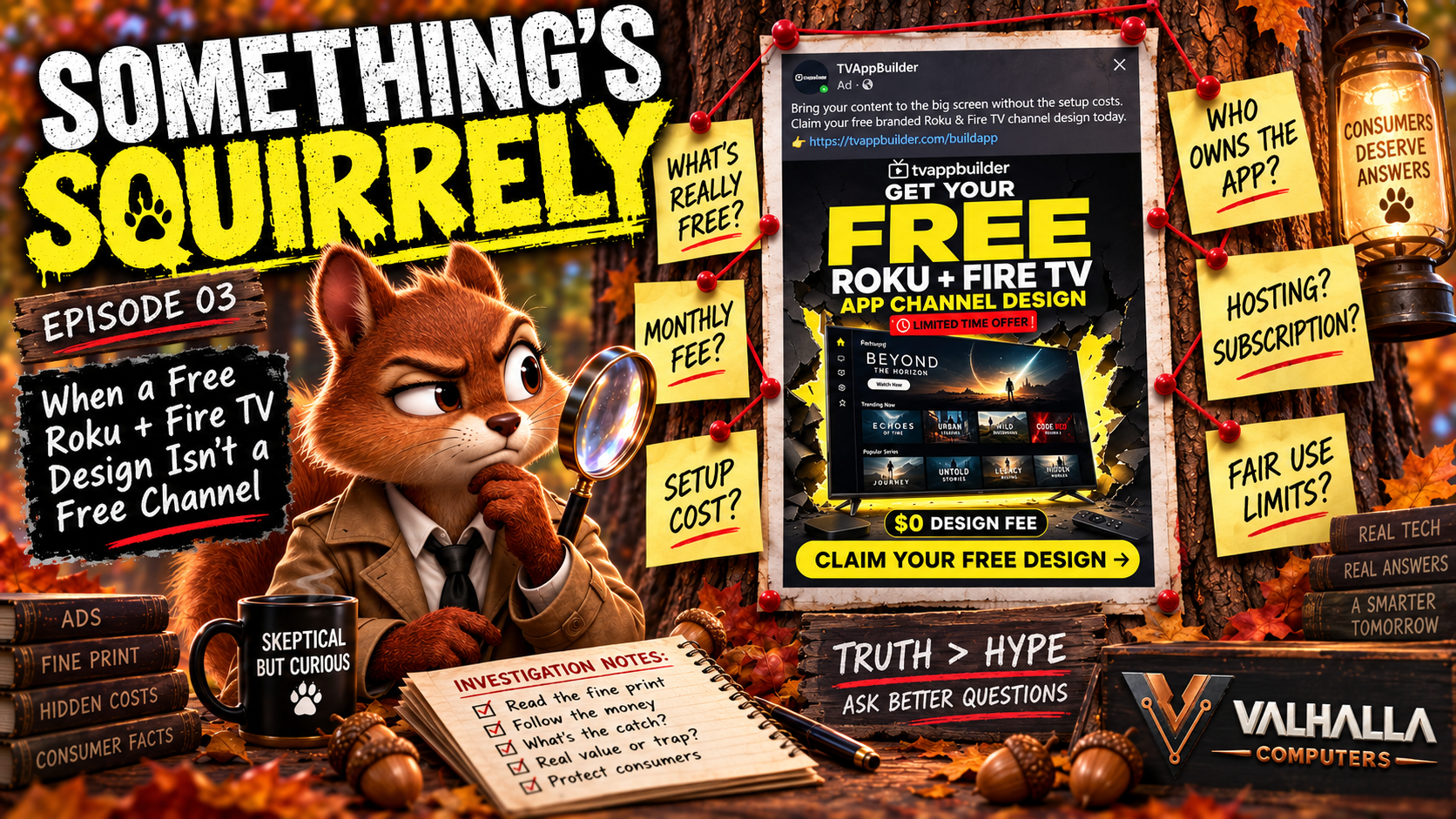
Small businesses love free software and free business tools for a perfectly understandable reason: there are already enough bills. Hosting costs money. Domains cost money. Phones cost money. Office software costs money. Payment processors take their piece, advertising can chew through a budget quickly, and every new tool seems to arrive with another little monthly charge attached to it. When a program promises to solve a problem for free, there is absolutely nothing wrong with trying it. The problem is that the word free can describe several very different business models, and users often do not realize which one they have signed up for until a trial expires, an upgrade screen appears, or an introductory price turns into another recurring charge on the card.
Freeware, shareware, ad-supported software, trialware, freemium products, open-source software, and subscription services with free trials may all appear to cost nothing when you first encounter them, but they behave very differently. Some remain free forever. Some continue working but display advertisements. Some disable advanced features after a trial. Some stop functioning completely. Some automatically convert into recurring subscriptions unless you cancel, while others offer a very capable free version and simply keep reminding you that the paid version includes a long list of features you may never use. Understanding those differences can save a small business a surprising amount of money.
Freeware Really Can Be Free
The simplest category is freeware. Traditionally, freeware is software that the developer allows people to use without charging a purchase price. The software is usually still proprietary, meaning the developer owns it and controls how it may be distributed or modified, but ordinary users are allowed to install and use it without buying a license. Sometimes there genuinely is no hidden catch. A company may offer a program for free because it promotes another product, supports a larger ecosystem, builds brand recognition, attracts customers to paid services, or simply because the developer wants people to have it.
Freeware does not automatically mean inferior software, either. A small business may find a free program that does exactly what it needs and continue using it for years without ever buying anything else. The important question is not whether a paid version exists; the important question is whether the free version already solves the problem. If it does, there may be absolutely no reason to spend money simply because the program keeps showing a bright UPGRADE TO PRO button.
Ad-Supported Software Pays the Bill a Different Way
Another common model is software that remains free because advertisements help support its development. This is sometimes loosely described as adware, although that word deserves some caution because it can also refer to intrusive or unwanted advertising software. Legitimate ad-supported software is not necessarily dangerous or deceptive. A company may simply decide that free users see advertisements while paid users do not, and that model has been common for years in mobile apps, online tools, games, utilities, and other software.
Where users sometimes get confused is when a program begins displaying upgrade messages after a trial or promotional period. The wording can make the paid version sound almost mandatory: “Your Premium Trial Has Ended,” “Upgrade Now,” “Unlock the Full Experience,” or “Do Not Lose Access to Premium Protection.” That can be especially effective when the software involves security, backups, maintenance, or business data. However, the end of a premium trial does not always mean the program itself has stopped being useful. In many cases, the software simply drops back to a permanent free tier. Premium features disappear, advertisements return, and the user continues doing most or all of what they were doing before.
Some programs really do stop functioning after the trial. Others restrict exports, add watermarks, reduce storage, limit projects, disable automation, or remove certain features. There is no universal rule, which is why users should pay attention to what actually changes when the trial ends instead of allowing the upgrade screen to make the decision for them.
Shareware Was the Original Try-Before-You-Buy Model
Before today’s subscription economy took over practically everything, shareware was one of the most common ways software developers introduced people to their products. Users could download the program, try it for a certain period or with certain limitations, and then purchase a license if they wanted the full version. Some shareware stopped working after a set number of days, some remained usable with reduced features, and some continued working while regularly reminding the user to register. Those reminders became so common that people jokingly called certain programs nagware.
The basic idea was reasonable and still survives today. Modern companies are simply more likely to call the same concept a free trial, starter plan, basic tier, or freemium account. The major difference is that old-fashioned shareware often led to a one-time license, while modern trial software frequently leads to a subscription. That one change dramatically alters the long-term cost.
Freemium Is Not the Same Thing as a Free Trial
A free trial usually means temporary access to a paid product. When the trial ends, the user may lose access completely, automatically become a paying subscriber, or fall back to a smaller free version. A freemium product, on the other hand, usually has a permanent free tier with one or more paid tiers above it. That distinction matters because many users see a comparison chart full of extra features and assume the paid tier must be necessary simply because it contains more.
A typical software company might offer Free, Pro, Business, and Enterprise plans. The Free version may already contain everything a one-person business needs, while the Pro version adds team collaboration, advanced analytics, API access, automated workflows, custom branding, priority rendering, bulk processing, version history, enterprise integrations, and several other features with impressive names. Those features may be genuinely valuable to someone, but they may be completely irrelevant to you. If you are the only person using the software, advanced team permissions have no value. If you export three images a month, a plan allowing five thousand monthly exports is not a benefit. If you do not know what API access is, buying more of it does not magically improve your business.
Businesses should buy capabilities they actually need, not feature counts.
The Pro Version Is Supposed to Look Better
Software companies are very good at presenting upgrades. The free version is usually shown in plain clothing, while the Pro version arrives wearing a cape, surrounded by checkmarks, highlighted boxes, recommended banners, discount percentages, and comparison charts designed to make staying on the free tier feel like deliberately choosing something inferior. Of course the paid version is better. That is why it costs money.
The question is whether those additional features solve a real problem for the business. If the paid version saves four hours of work every week, removes a serious limitation, improves customer service, replaces several other paid tools, or enables something the company genuinely needs, then the upgrade may easily justify itself. If the only argument is that the Pro plan has twenty-four features while the free one has eleven, that is marketing, not a business case.
A useful habit is to ignore the total number of features and identify the specific ones you would actually use. If you cannot name them, there is a good chance you are reacting to the upgrade page rather than to an actual need.
Trial Expired Does Not Always Mean Software Expired
This deserves special attention because upgrade screens frequently blur the distinction. A program may advertise a fourteen-day Premium trial when you install it. During those fourteen days, the developer temporarily activates features that normally require payment. When the trial expires, a large warning appears asking you to subscribe, and many users understandably assume they now have to pay.
Sometimes they do. Sometimes they do not.
If the program has a permanent free edition, expiration may simply mean those temporary premium features disappear. Everything included in the basic version continues working. Advertising may return, cloud storage may shrink, advanced filters may disappear, export resolution may drop, priority support may end, or automation may be disabled, but if you never used those features anyway, your normal workflow may barely change.
Before paying, close the upgrade window and test the program. Open a file. Run the scan. Export the image. Create the document. Perform the actual task you normally use the software for. You may discover that the ominous message announcing the end of your Premium experience really means, “You can continue doing exactly what you were doing yesterday, but now there is an advertisement on the screen.” For some users, paying to remove that advertisement is worthwhile. For others, it is a very expensive rectangle.
Open-Source Software Is Another Different Category
Open-source software is often confused with freeware because many open-source applications are available at no cost, but the underlying concept is different. Open-source generally means the software’s source code is available under a license that permits people to inspect, use, modify, and distribute it according to the terms of that license. The software itself may be free while services surrounding it are not.
A company may provide the core application at no charge and make money through cloud hosting, managed installation, commercial extensions, premium plugins, support, consulting, or enterprise features. That is not deceptive; in many cases it is exactly what allows development of the free product to continue.
WordPress is a good example of the broader idea. The core software can be used freely, but operating a serious WordPress business site can still involve hosting, domain registration, premium plugins, themes, backups, security services, development work, and maintenance. Free software and free operation are not always the same thing.
Free Can Still Cost Time
Money is not the only business expense. Time matters too.
A free tool that forces you to spend three hours every week working around its limitations may ultimately cost more than a paid tool that removes the problem. If the premium edition automates a repetitive task that consumes significant time every month, the subscription may actually be the cheaper choice. The reverse is equally true. Businesses sometimes subscribe to automation for tasks they barely perform, paying every month to save five minutes once in a while.
This is why evaluating software purely by purchase price can be misleading. The true cost includes money, time, training, maintenance, compatibility, switching costs, and frustration. The cheapest tool is not always the one with the lowest advertised price.
Subscription Everything Is Becoming a Problem
Subscriptions make sense for many products. Cloud storage requires servers. Online collaboration needs infrastructure. Security software needs constant updates. Hosted applications require ongoing development and maintenance. There are legitimate reasons for recurring charges.
The problem is that the subscription model has spread into nearly everything.
Businesses are increasingly asked to subscribe to tools that once would have been purchased once and used for years. Every individual charge appears harmless: ten dollars here, twenty dollars there, seven days free, first month discounted, fifty percent off for three months, cancel anytime. Eventually somebody looks at the credit-card statement and discovers that the business has collected a small army of recurring charges.
The dangerous part is often not the amount itself but the presentation. An advertisement may emphasize an extremely low introductory price while the normal renewal price appears in smaller text. The customer mentally remembers the promotional number even though that is not what the product will actually cost over time. One of the simplest ways to cut through that marketing is to ignore the trial price and calculate the normal annual cost. Multiply a monthly subscription by twelve. Multiply a weekly subscription by fifty-two. Then ask whether you would still buy the product if the advertisement simply displayed that annual number.
That question can make a very appealing offer look dramatically different.
The Seven-Day Trial Trap
Short free trials deserve particular attention because they are built around urgency. Seven days sounds harmless. Enter a card number, try everything, and cancel if you do not like it. The problem is that seven days can disappear quickly for a small-business owner who installs something on Monday, gets buried in actual work for the rest of the week, forgets about it over the weekend, and remembers the trial when the renewal charge appears.
Some services require payment information specifically because automatic conversion into a paid subscription is part of the business model. That does not automatically make the company dishonest if the terms are clearly disclosed, but it does mean the customer needs to treat the renewal date as a real deadline. Whenever a trial requires payment information, determine exactly when the paid subscription begins, what the normal renewal price will be, and what happens if you do nothing. Those details matter far more than the number printed in the trial advertisement.
“Cancel Anytime” Does Not Mean Cost-Free
“Cancel anytime” is another phrase that sounds more generous than it really is. Usually it means there is no long-term commitment beyond the current billing period. That is useful, but it does not necessarily refund money already spent, preserve data, or allow continued access to things created with premium features.
Before building something important inside subscription software, ask what happens if you stop paying. Can the files be exported? Can another program open them? Does the website continue functioning? Does the account become read-only? Does stored data disappear after a certain period? Does the application merely lose premium features, or does the entire service stop?
That answer can matter much more than the introductory price.
Beware the Bundle You Never Needed
Subscriptions also encourage bundling. A company starts with one useful feature and gradually builds an entire suite around it: AI assistant, cloud storage, scheduler, analytics, social posting, video generation, image tools, email marketing, automation, team management, and fifteen other things. Eventually the plan looks like an incredible value because you get everything for one monthly price.
The problem is that your business may only need two of those things.
Buying software simply because it includes more features is like buying a commercial kitchen because you occasionally make toast. The equipment may be magnificent, but you still only needed a toaster. Every business should periodically review its subscriptions and ask what each one is actually being used for. If nobody can answer that question quickly, the subscription deserves another look.
Ads Are Sometimes the Better Deal
People naturally dislike advertisements, and software companies know it. That makes ad-free one of the easiest premium features to sell. Sometimes paying to remove advertising is absolutely worthwhile, especially when ads interrupt work, consume too much screen space, create privacy concerns, or make the software genuinely frustrating to use.
But occasional advertising is not automatically a problem. If a perfectly good program saves the business money and the only tradeoff is seeing a banner or popup from time to time, the free version may be an excellent deal. The important thing is to judge the disruption rather than reacting to the mere existence of an advertisement. One ad at startup is very different from a popup interrupting work every few minutes.
Free Tools Can Be Excellent
This is not an argument against free software. Valhalla Computers uses free tools, recommends free tools, and actively looks for products businesses can test before spending money. Free software can dramatically lower the barrier to starting a business, learning a skill, building a website, producing content, managing files, experimenting with AI, and getting useful work done without immediately adding another expense.
The important thing is understanding why the tool is free. Maybe the developer sells a Pro edition. Maybe advertising pays for free users. Maybe the software is open-source. Maybe the company sells hosting, consulting, or support. Maybe the free trial converts into a subscription. Maybe the free tool is genuinely free.
None of those business models is automatically bad. Problems begin when the user does not know which one applies.
The Valhalla Computers Rule: Start With the Problem
The safest way to choose software is to start with the problem instead of the feature list. Ask what you are unable to do right now and whether the free version solves that problem. If it does, use it. If occasional advertising is tolerable, tolerate it. If a premium feature saves meaningful time or enables something the business genuinely needs, consider paying for it. If a subscription replaces several other expenses and produces measurable value, it may be an excellent investment.
If you cannot explain what you are paying for beyond “the paid version has more stuff,” keep the card in your wallet.
And whenever a trial timer starts ticking, determine three things immediately: what happens when the trial ends, what the normal renewal price will be, and whether the business can continue using the software without the paid plan. Those three questions eliminate an amazing amount of software-buying nonsense.
The Bottom Line
There is nothing wrong with free software, paid software, subscriptions, or Pro versions when they provide something useful. The mistake is assuming that paid automatically means necessary, that free automatically means inferior, or that a trial-expiration warning means the program you were happily using yesterday has suddenly become useless.
Freeware may remain genuinely free. Ad-supported software may trade occasional advertising for continued access. Shareware may provide limited use before payment. Freemium products may offer a permanent basic tier while charging for advanced features. Open-source products may cost nothing while hosting, plugins, support, or services cost money. Trials may end completely, downgrade to a free version, or convert automatically into a subscription depending on the product.
Learn which model you are dealing with before spending anything, and when the giant glowing UPGRADE NOW button appears, ask the one question software marketing departments probably wish more customers would stop and consider: Do I actually need what they are selling me?
Sometimes the answer will absolutely be yes.
Other times, you can close the popup and keep using the free version just fine.
Sources Worth Reading
Federal Trade Commission — Consumer guidance on subscriptions, free trials, automatic renewals, and recurring charges Cybersecurity and Infrastructure Security Agency — Software safety and unwanted software guidance Microsoft Support and Microsoft Security — Potentially unwanted applications and advertising software Open Source Initiative — Understanding open-source software and licenses GNU Project — Free software definitions and licensing concepts