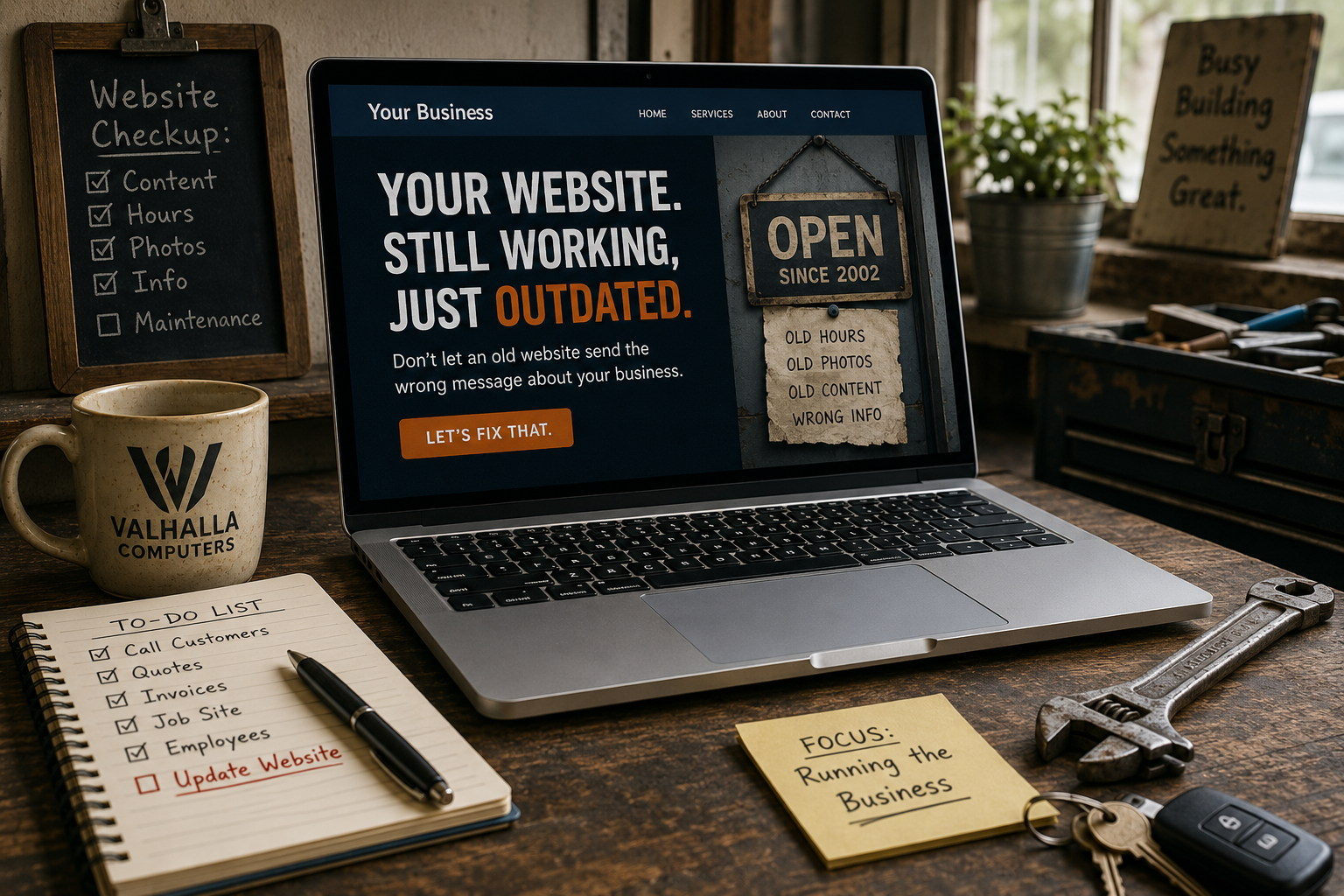
Most customers do not conduct a formal trust audit before contacting a small business. They simply notice things. The phone number is missing. The About page looks abandoned. The copyright date is four years old. The contact form behaves strangely. One awkward detail becomes two, and somewhere around number four the visitor decides to see what the next company looks like.
The good news is that credibility is often improved through small, practical fixes rather than an expensive redesign. Here are ten places to start.
1. Put Real Contact Information Where People Can Find It
A business should not make customers hunt for a phone number, email address, service area or contact form. Put the important contact details in predictable places such as the header, footer and contact page. If the business does not accept walk-ins, say so rather than leaving an address ambiguous.
2. Replace Empty Stock Photography With Something Real
Stock photos are useful when they support a page, but a site made entirely from generic handshakes and perfect office teams can feel anonymous. Add real photos of the owner, staff, workspace, products, equipment or completed work where appropriate. Customers are often looking for proof that an actual business exists behind the design.
3. Fix Broken Links and Dead Pages
A broken link is a tiny technical problem with a surprisingly human message: nobody is paying attention here. Test navigation, service links, social icons, downloadable files and important calls to action. Remove links to pages that no longer exist or redirect them to the most useful replacement.
4. Update Old Dates, Prices and Service Information
Outdated content creates uncertainty. If a visitor sees old holiday hours, discontinued services, retired staff or pricing from several years ago, they have no way to know which other information is stale. Review the pages that influence buying decisions at least a few times a year.
5. Make the About Page Sound Like a Business, Not a Template
An About page should explain who runs the company, what it does, who it serves and why the business exists. It does not need a heroic origin story. A few specific details are more credible than a paragraph about “passion, excellence and unmatched solutions” that could belong to any company on earth.
6. Show Reviews Without Turning the Page Into a Trophy Case
Reviews and testimonials help when they feel authentic and relevant. Use current examples, identify the platform when appropriate, and avoid filling the page with anonymous quotes that read like advertising copy. If customers can verify the reputation elsewhere, even better.
7. Explain What Happens After the Customer Clicks
A vague “Contact Us” button creates more uncertainty than necessary. Tell people what happens next. Will you reply within one business day? Do they need to send photos? Does the first call determine the scope? Is the consultation free? Clear expectations make the business feel organized before the customer ever speaks to anyone.
8. Make Sure the Site Uses HTTPS and Basic Security
A browser warning about an insecure connection destroys trust instantly. Use HTTPS, keep WordPress and plugins maintained, remove abandoned extensions and protect forms from obvious spam. Customers do not need to understand the technical details to recognize when the browser says something is wrong.
9. Test the Site on a Phone
Trust disappears quickly when a mobile visitor cannot close a popup, tap a button or read the page without zooming. A modern-looking desktop homepage does not compensate for a broken phone experience. Test real devices, especially the pages where customers are expected to call, schedule or submit information.
10. Remove Claims You Cannot Support
“Best,” “number one,” “guaranteed,” “lowest price” and similar claims sound powerful until the customer wonders who decided that. Specific facts are stronger. Years in business, response times, service areas, documented certifications, actual warranties and clear policies create trust because they can be understood and checked.
Trust Is Usually the Sum of Small Signals
A trustworthy site does not need to look expensive. It needs to look maintained, accurate and connected to a real business. The visitor should be able to understand who is behind it, what is being offered, how to continue and what to expect.
That is why these fixes matter. Each one removes a small reason to hesitate. Enough small reasons removed, and contacting the business begins to feel like the obvious next step.